
Worklocker tools for the whole job
Build an estimate, organize the work and keep the invoice connected to the customer who asked for it. Bring the people and details into the same workflow.
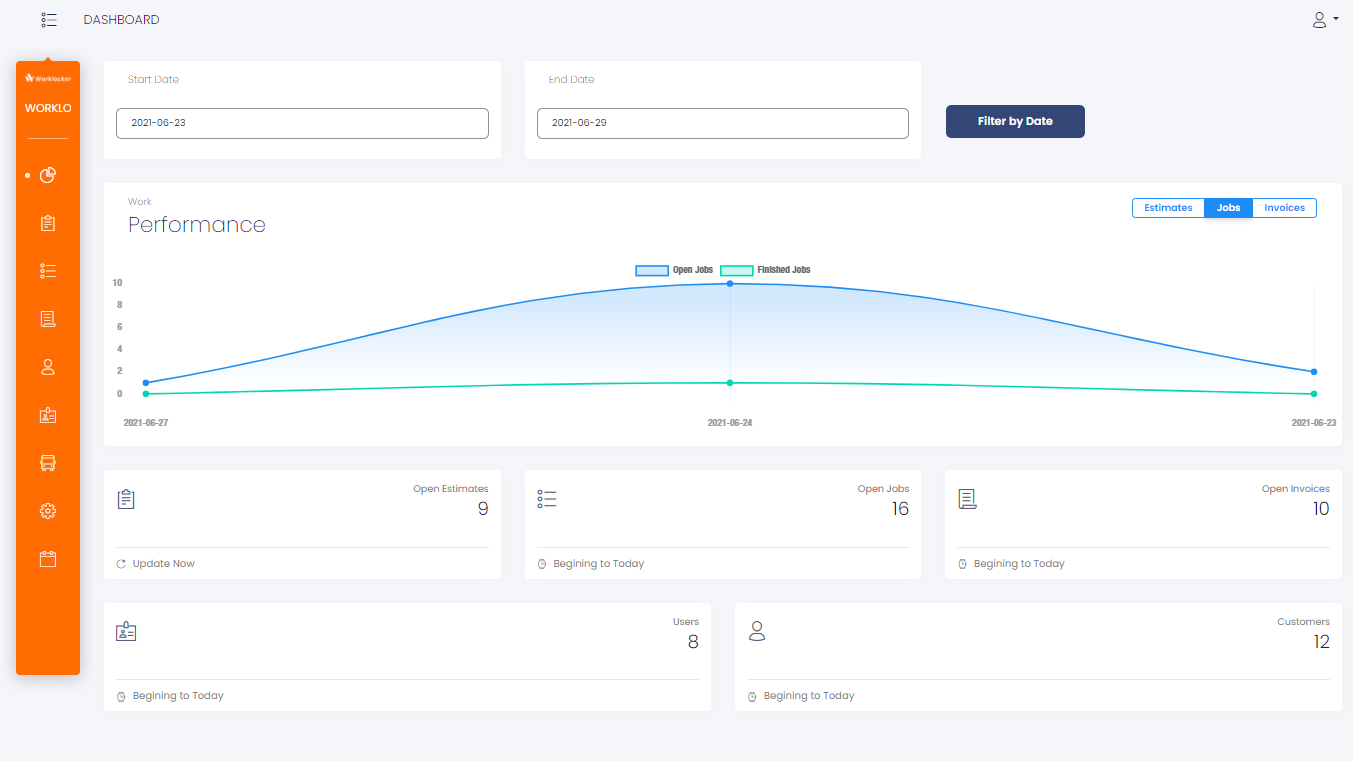
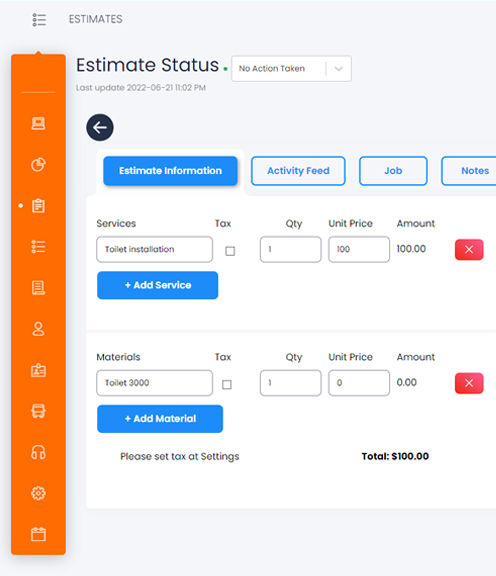
Estimates give the work a clear starting point
Put the customer's requirements into an estimate with the products and services the job needs. Keep the proposed work ready for your approval process.
- Build the scope around products and services.
- Keep the estimate connected to its customer.
- Carry the approved work forward into a job.
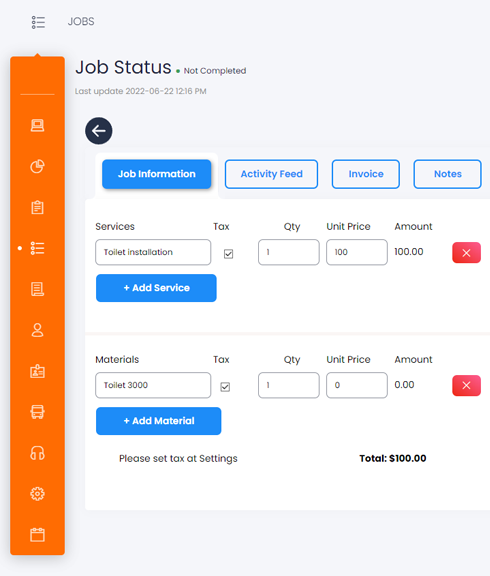
The job keeps its working details together
Give the work a place for the information your team needs. Customer details, products, services, notes and photos belong with the job they describe.
Notes with context
Keep the useful details beside the work, where the next person can find them.
Photos alongside the job
Bring visual information into the record instead of leaving it separate from the task.
Products and services
See what the job involves as it moves toward the invoice.
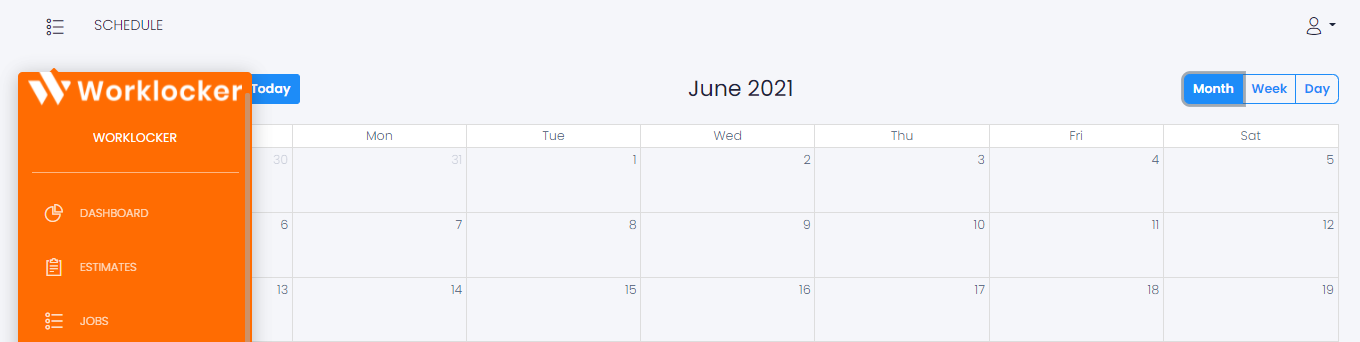
A schedule for the work and the people doing it
Coordinate jobs with the employees assigned to them. Put the schedule beside the rest of the workflow so your plans stay connected to the work.
- Organize the jobs your team needs to carry out.
- Coordinate employee assignments.
- Return to the job when you need the details.
Bring the finished work into an invoice
Create an invoice from a job and keep the work connected. You can also start a standalone invoice when that is the right place to begin.
Customer information, products and services remain part of the same everyday workflow.
See where invoicing fits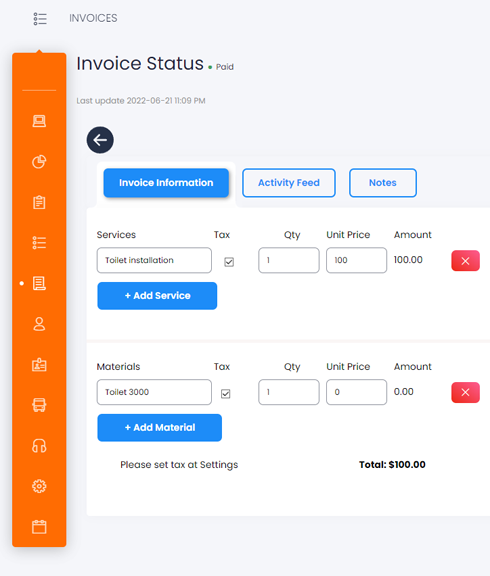
Customer information stays within reach
Keep customer records close to the estimates, jobs and invoices you create. Start with the person behind the request and keep that context as the work moves on.
When another task comes in, the customer record gives your team a familiar place to begin.
Start with the customer
Your team has its own way into the work
Use individual logins and role-based permissions to organize access to the company workspace.
Talk through your team's setup- Employee logins
- Give people their own access to Worklocker.
- Role permissions
- Use roles to control the views and actions available to your team.
- Connected schedules
- Coordinate the people assigned to the jobs.
Your next task can start in chat
Anything you can do in Worklocker, you can ask the AI assistant to do. Prepare a quote, fill in a form or work through the next task by explaining what you need.
Example requests
- “Prepare a quote from these job details.”
- “Help me fill in this form.”
- “Show me the schedule for this job.”
Put the tools to work in your company
Open your workspace or talk to the Worklocker team about getting started.