
From the first request to the final invoice
A job moves through several conversations and decisions. Worklocker gives the estimate, approval, schedule and invoice a place in the same workflow.
Begin with the customer and the request
Bring the customer's information into the workspace before building out the work. That record stays within reach when you need an estimate, a job or an invoice.
The request can also be the start of a conversation with the AI assistant. Explain what you need and ask it to help prepare the next task.
Explore customer records
Turn the request into an estimate
Choose the products and services the work calls for. Put the proposed scope together before it becomes the job your team carries out.
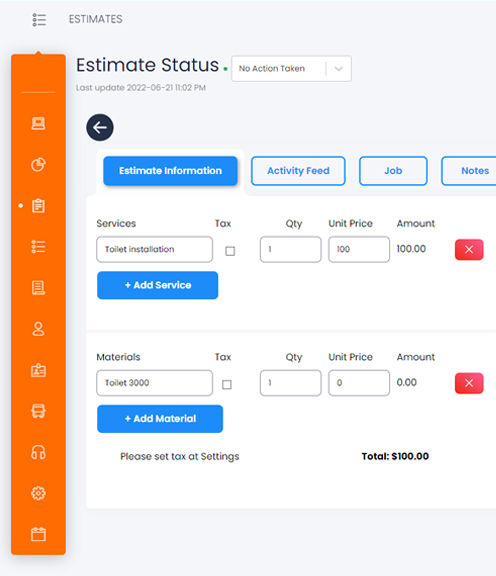
Start in the estimate tools or ask the AI assistant to help put the details into a quote.
See the estimate toolsPut approval between the proposal and the job
Use the estimate's approval process to agree on the proposed work. The approved estimate gives the job its starting point.
Keep this decision in the workflow so the work being scheduled is connected to the scope the customer considered.
Proposed work
The estimate brings the customer, products and services together.
Your approval process
Review the scope before carrying it forward.
A connected job
Begin the work from the approved estimate.
Give the job a place for its details and its people
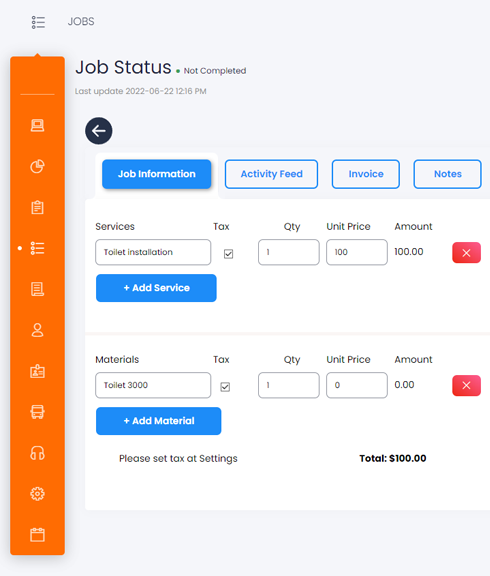
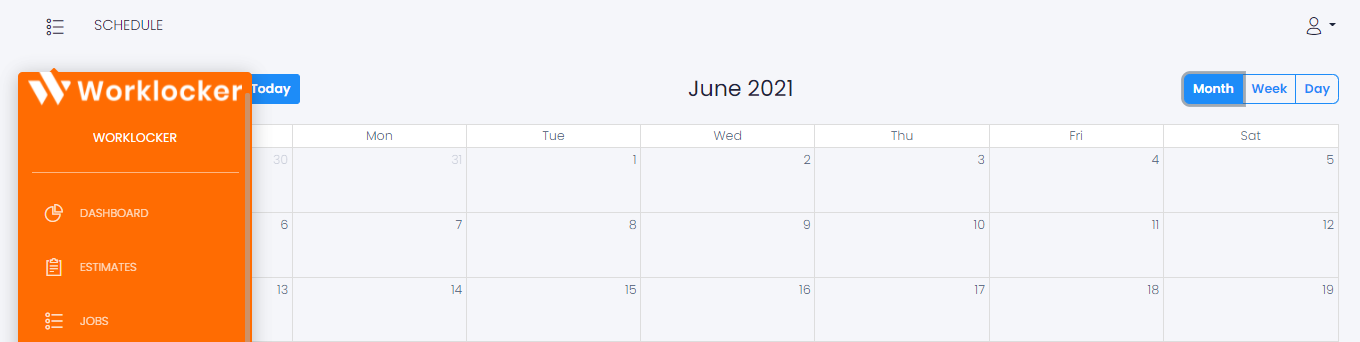
Keep notes, photos, products and services with the job. Use the schedule to coordinate the employees assigned to carry out the work.
Create the invoice from the work
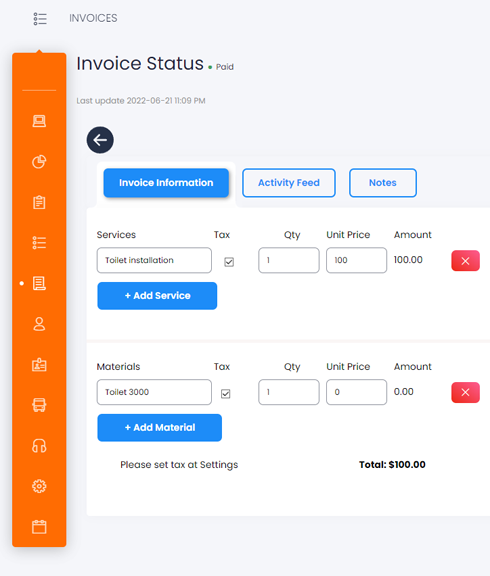
Bring the job into an invoice when you are ready. You can also create a standalone invoice without starting from a job.
Keep the customer and the line items connected to the work you are invoicing.
Explore invoicingAsk for the work you want to do
Anything you can do in Worklocker, you can ask the AI assistant to do. Quotes, forms and everyday tasks can start with a conversation.
“Turn these job details into an estimate for review.”
A few practical questions
For help with your company's setup, contact the Worklocker team.
Talk to supportHow does an estimate become a job?
Prepare the products, services and scope in an estimate. Use the approval process to review the proposed work, then carry the approved estimate forward into the job.
Can I create an invoice on its own?
Yes. Worklocker supports invoices created from jobs as well as standalone invoices.
Do I have to fill in each task through a form?
You can use Worklocker's tools directly or ask the AI assistant to help complete the task through chat, including preparing a quote or filling in a form. Explore the AI assistant.
How do I organize access for my employees?
Use individual staff logins and role-based permissions to organize who can access the company workspace and its tools. Read about team access.
Where do I open my company account?
Your company workspace is in the Worklocker application. For account or setup questions, email support@worklocker.net or call 1-888-969-2718.
Take the next job into Worklocker
Open your workspace to continue, or ask the team about your workflow.